Using the Customer Portal
Enter the contact's email address and enable the 'Customer Portal' feature. A complete guide to Dump Truck Dispatcher customer portal.
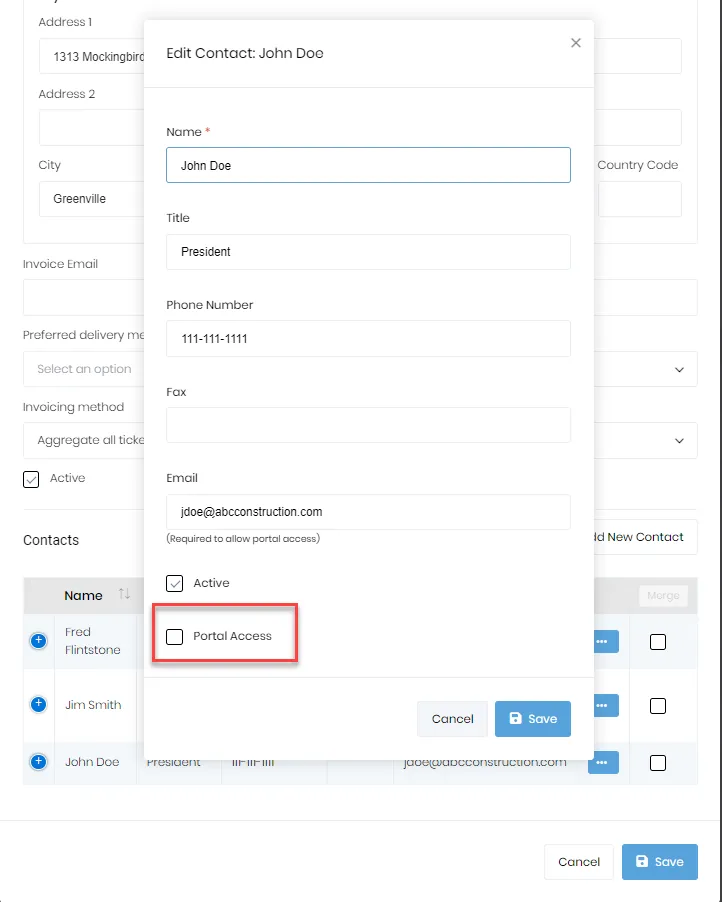
If you enter the contact’s email address and have the feature for “Customer Portal” enabled, you’ll see a checkbox. To give someone at your customer’s company access, you’ll check the “Portal Access” checkbox.
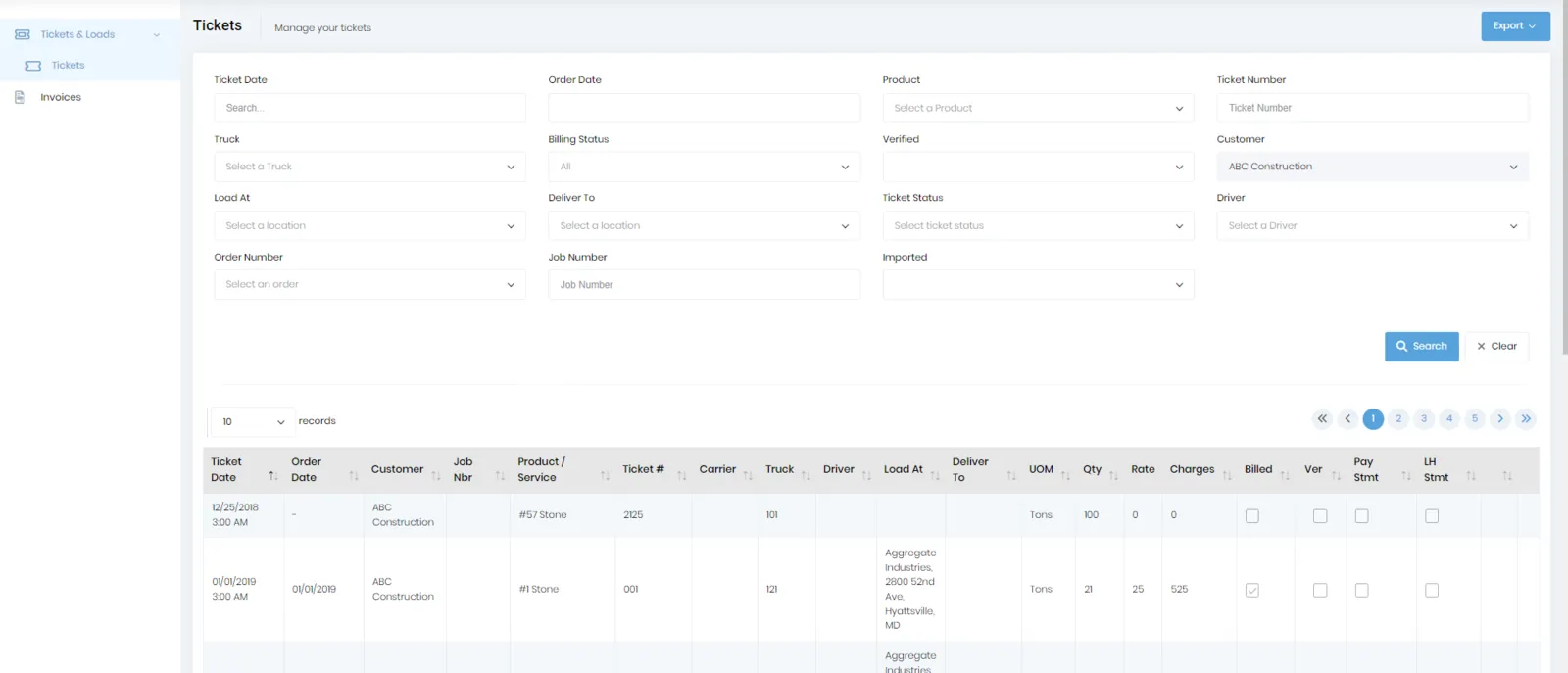
Once the customer rep logs in, they’ll be able to see their tickets and invoices as shown in the below images.
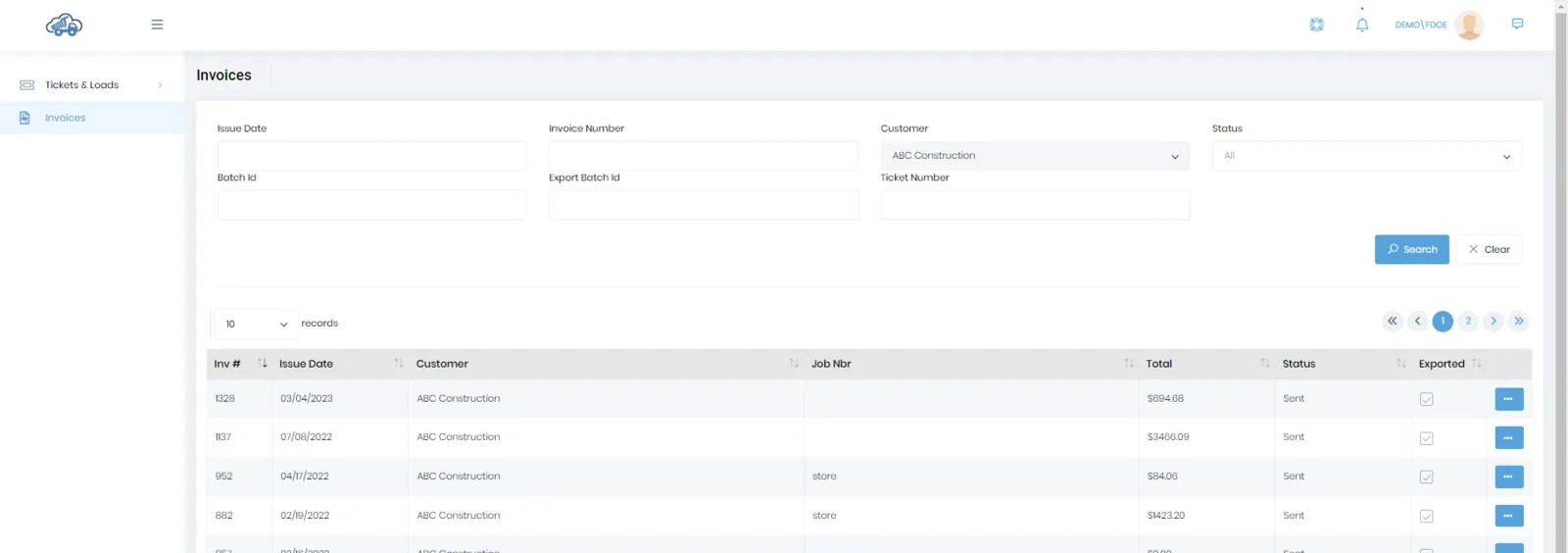
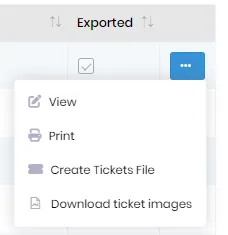
If the user clicks the menu button beside a row, they’ll have the following options available to them.