Installing the Driver App (iOS)
Dump truck dispatchers can install the Driver App (iOS) & add it to the home screen for quick access, allowing drivers to receive tasks & update statuses efficiently.
These instructions are for the older PWA (Progressive web app) version of Dump Truck Tracker. If you aren’t sure what version to use, read this article.
Prerequisites:
- “Dispatch via driver app” setting should be enabled in Dump Truck Dispatcher
- The user has an account with the driver role and an associated driver record.
Adding Driver App to the Home Screen on iOS Phones:
- Open the “dump truck dispatcher” application in the safari browser by typing https://pwa2.dumptruckdispatcher.com into the browser address bar at the top of the browser.
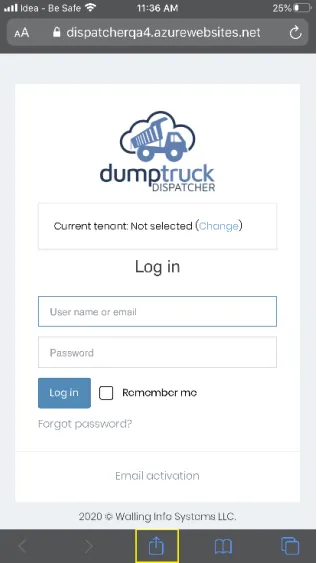
- Enter your login credentials on the login screen. You’ll need to set the tenant under tenant control by clicking the “Change” link and entering your tenant name.
- Click on the “share” button icon present in browser options(at the bottom of the screen).
-
Scroll down and select “Add to home screen”.
-
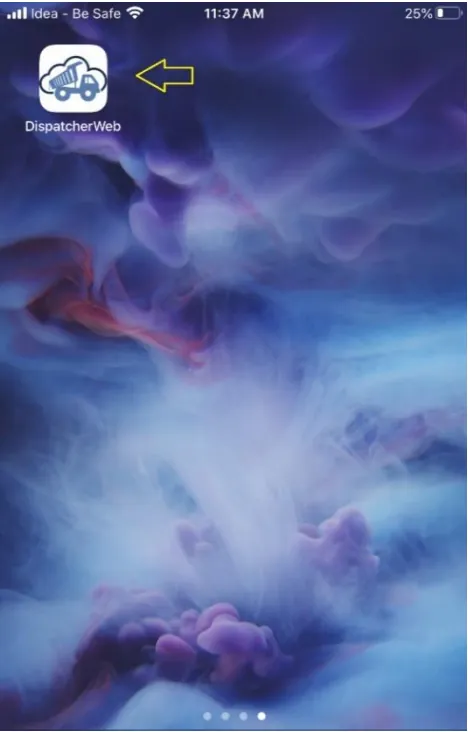
After adding it to the home screen, an icon will be available, and the application can be launched directly by clicking on it.